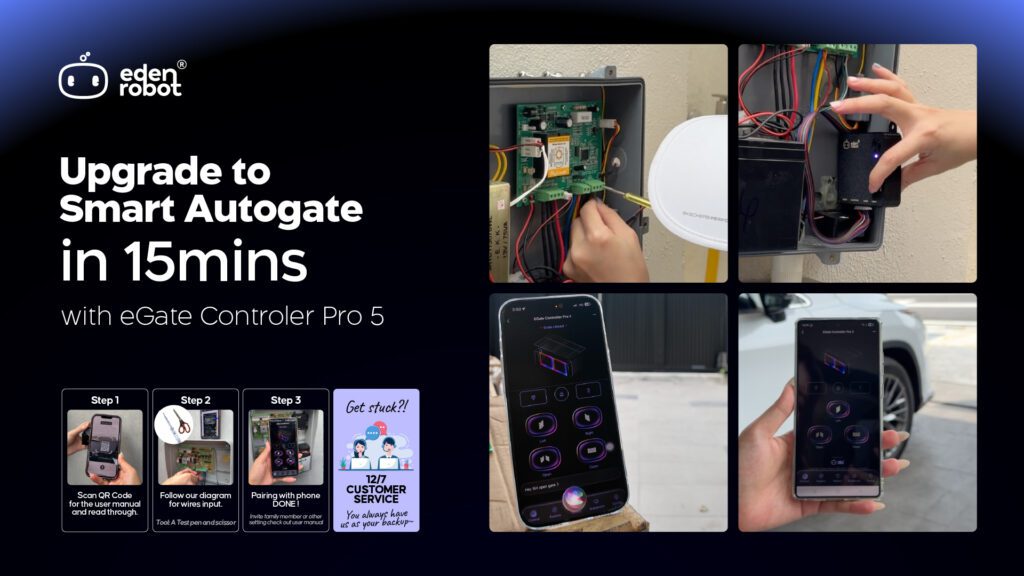





eGate Controller Pro 5 – Installation Guide

Turn your auto gate to SMART auto gate within 15 minutes!

Table of Contents

Step 1 ~ Download and install the Smart Life App

Download, install & register an account in the “Smart Life” app in the application market.

Step 2 ~ Connect eGate Controller Pro 5 to your gate

Edit Content

Follow the video, to connect eGate Controller Pro to your auto gate.

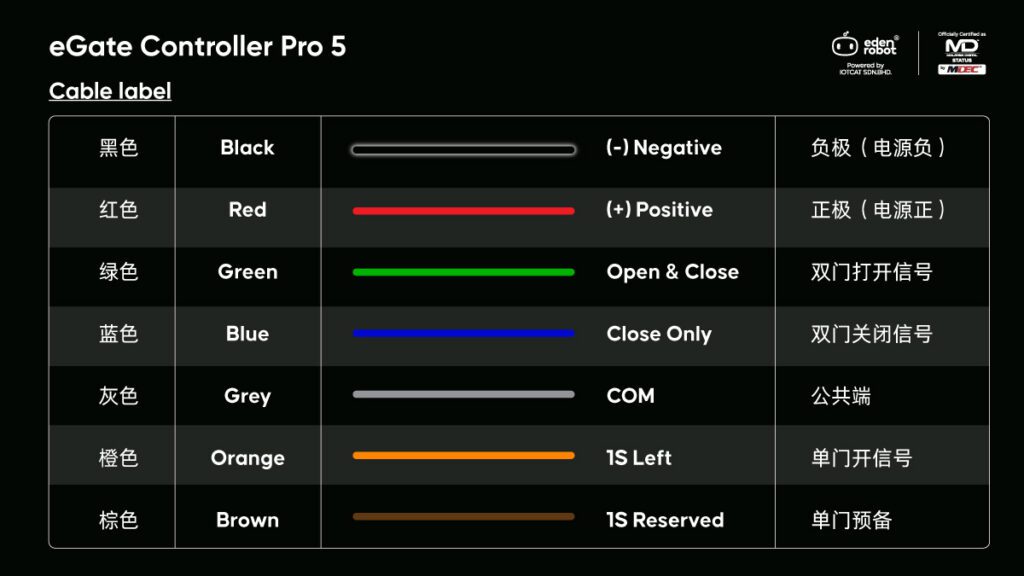
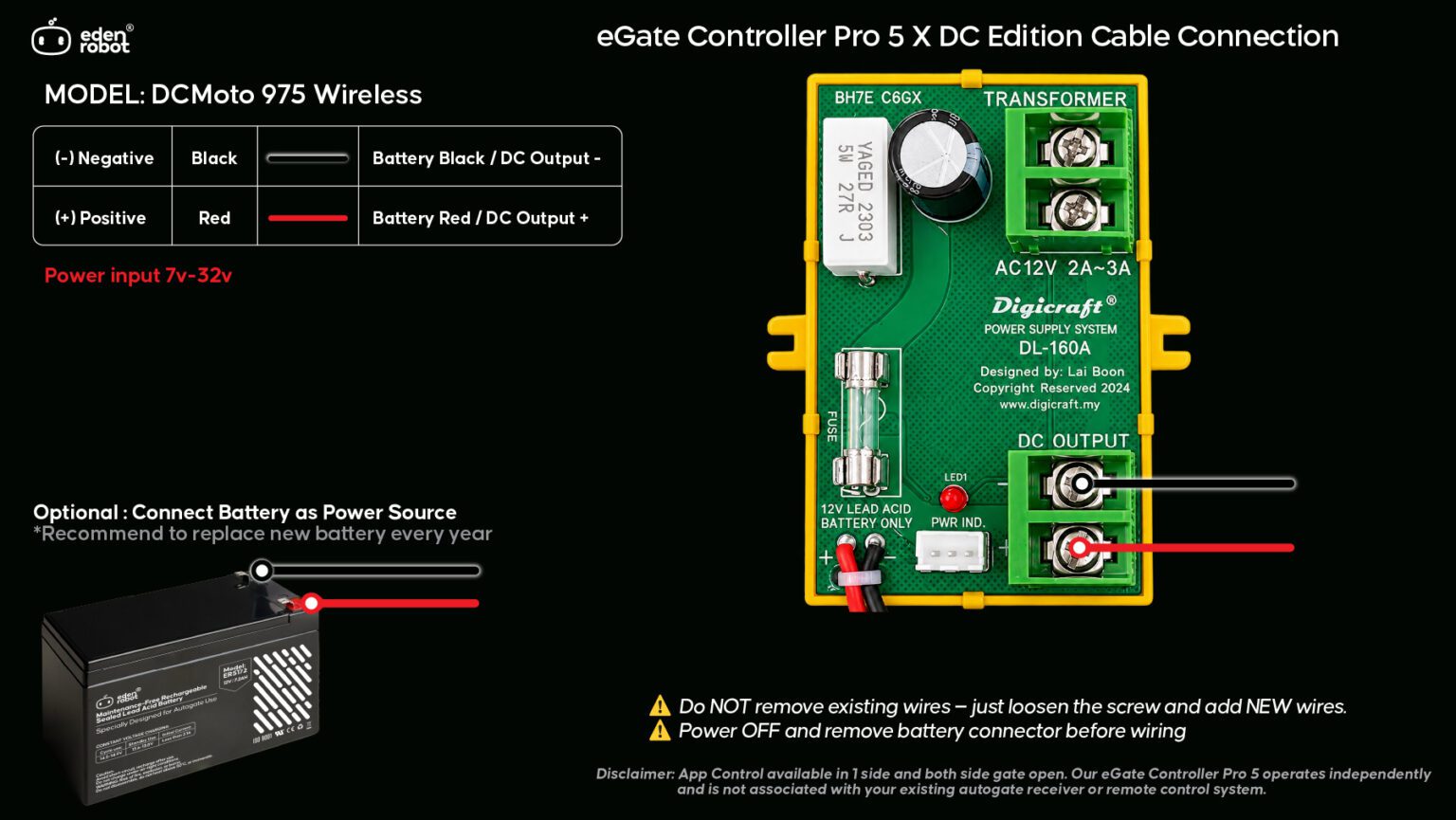
Refer the wiring connection drawing below, that match your auto gate. If your board doesn’t list below, please contact us to help.

⚠️ IMPORTANT ⚠️

This device operates on 12–24V DC only.
Do NOT connect to AC power.

If connected to 32V or above, the device may burn and the warranty will be void immediately.

Before wiring: Switch off autogate main power and Unplug the backup battery

Failure to follow the above may cause damage not covered under warranty.
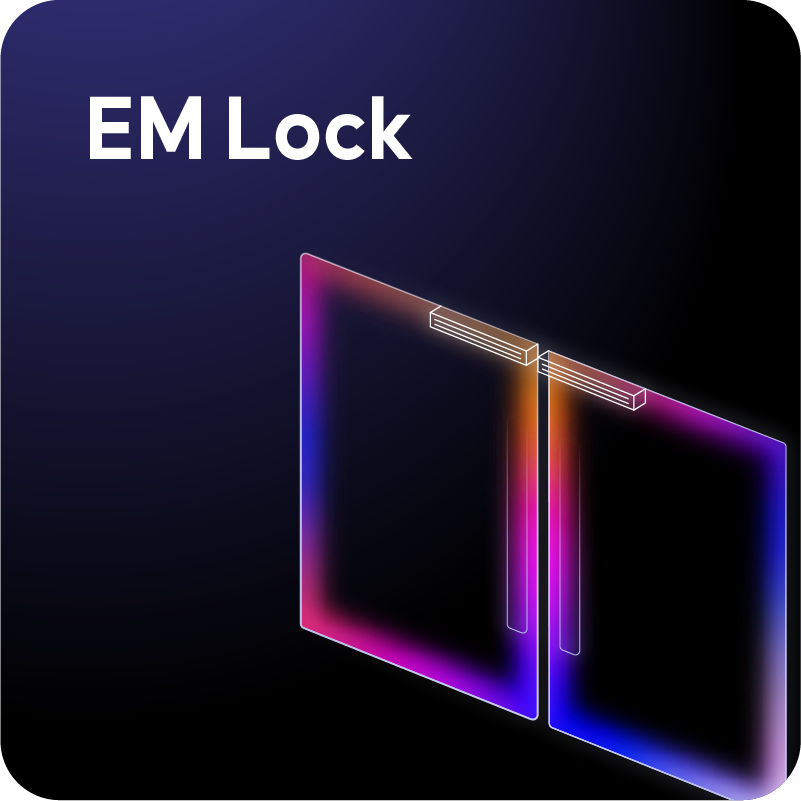
Edit Content

Follow the video, to connect eGate Controller Pro to your auto gate.

Refer the wiring connection drawing below, that match your auto gate. If your board doesn’t list below, please contact us to help.

⚠️ IMPORTANT ⚠️

This device operates on 12–24V DC only.
Do NOT connect to AC power.

If connected to 32V or above, the device may burn and the warranty will be void immediately.

Before wiring: Switch off autogate main power and Unplug the backup battery

Failure to follow the above may cause damage not covered under warranty.
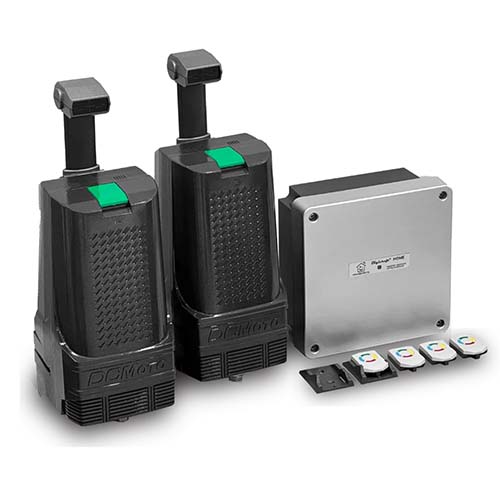
Edit Content

Follow the video, to connect eGate Controller Pro to your auto gate.

Refer the wiring connection drawing below, that match your auto gate. If your board doesn’t list below, please contact us to help.

⚠️ IMPORTANT ⚠️

This device operates on 12–24V DC only.
Do NOT connect to AC power.

If connected to 32V or above, the device may burn and the warranty will be void immediately.

Before wiring: Switch off autogate main power and Unplug the backup battery

Failure to follow the above may cause damage not covered under warranty.
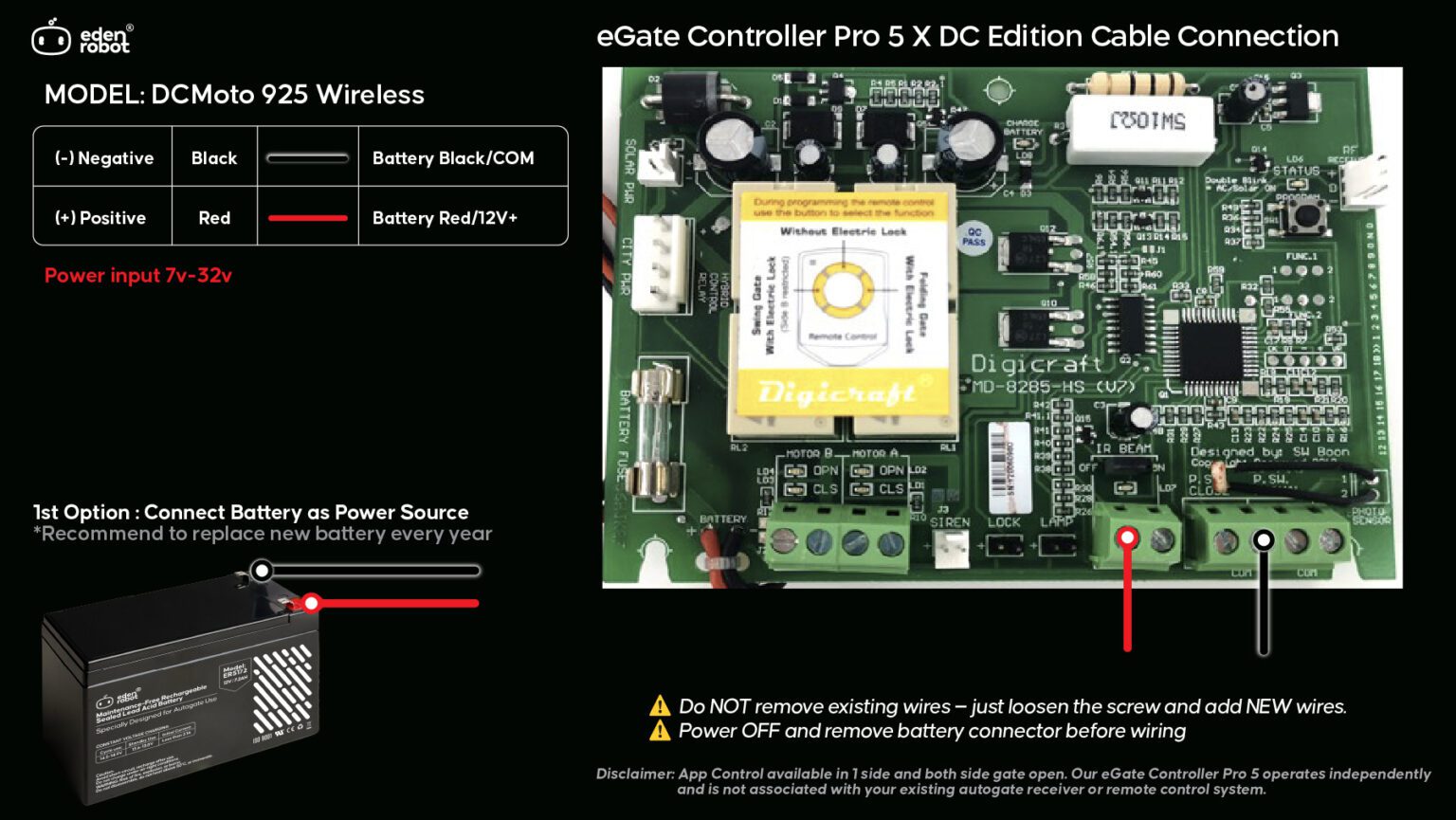
Edit Content

Follow the video, to connect eGate Controller Pro to your auto gate.

Refer the wiring connection drawing below, that match your auto gate. If your board doesn’t list below, please contact us to help.

⚠️ IMPORTANT ⚠️

This device operates on 12–24V DC only.
Do NOT connect to AC power.

If connected to 32V or above, the device may burn and the warranty will be void immediately.

Before wiring: Switch off autogate main power and Unplug the backup battery

Failure to follow the above may cause damage not covered under warranty.

Step 3 ~ Connect eGate Controller Pro with the Smart Life App 链接手机App

Follow the video to connect the eGate Controller Pro to the Smart Life App.

* Make sure your phone connected to 2.4GHz wifi.

* Make sure you follow the app instruction and give all the needed permission to the APP.

Step 4 ~ Invite your family & control by other devices

Done ☺️ Now you able to control your autogate by using your phone. Follow the video below, if you like to invite family members, voice control and so on.

Shopping Cart
0

Share & Earn!

When your friend buys using the link, you’ll get up to 8% cash (TNG or Bank Transfer)! 💰

Step 1: 🥳 Share your special link

Login to get your special link

Step 2: 🛒 Friends complete order!

Step 3: 💰 Redeem cash!

Best example: